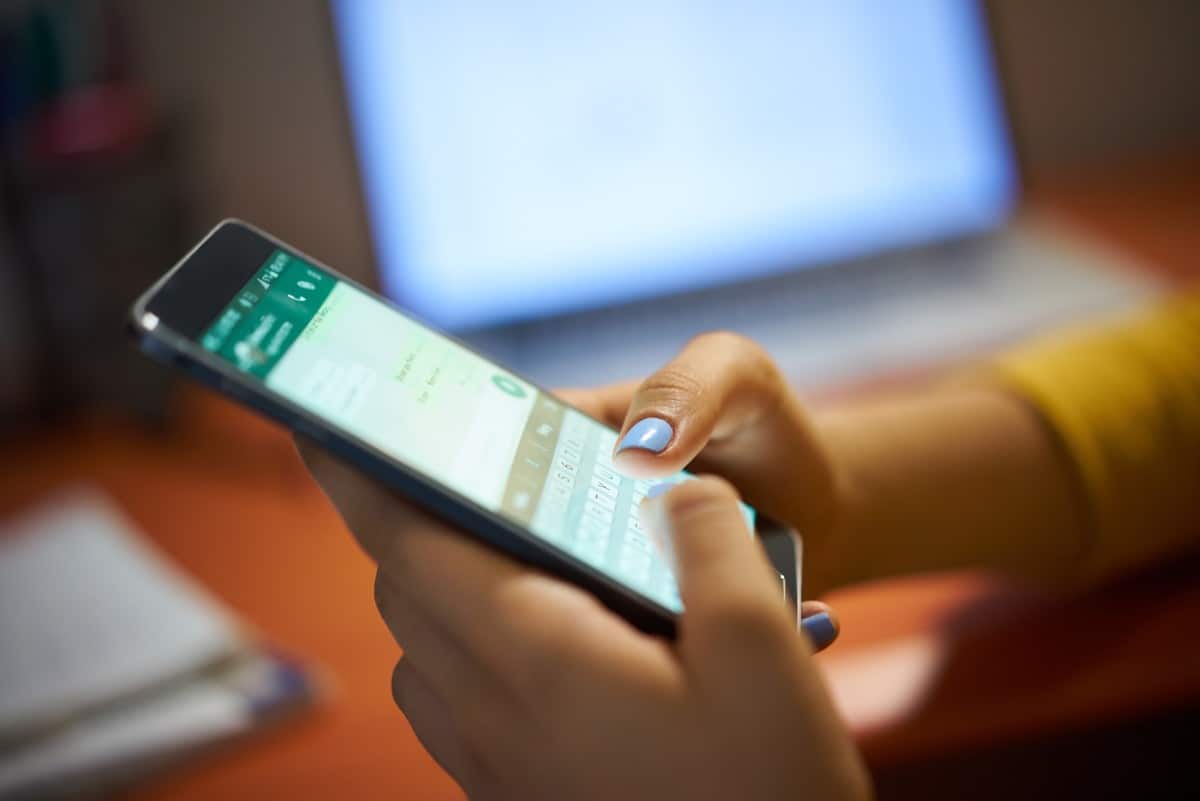
Understanding Smartphone Keyboards: The Journey from Tactile to Touch
In our hyper-connected world, texting, emailing, searching, and social media interactions are constants. The unsung hero facilitating these daily digital conversations is undoubtedly the smartphone keyboard. It's the primary interface for text input, and its evolution mirrors the rapid advancements in mobile technology itself. From the early days of miniature physical buttons to today's sophisticated virtual interfaces, the way we interact with keyboards on phones has undergone a profound transformation. Just like their desktop counterparts, these mobile input methods vary significantly in layout, symbol placement, responsiveness, and overall user-friendliness, directly impacting our digital communication experience.
The Legacy and Lingering Charm of Physical Keyboards on Phones
Before the ubiquitous "slab" phone dominated the market, many early smartphones and feature phones sported tangible, mechanical keyboards. These were typically miniature QWERTY layouts, designed to replicate the familiar desktop typing experience in a handheld format. For a segment of users, these physical keyboards offered undeniable advantages that are still fondly remembered.
The Allure of Tactile Feedback
One of the most significant benefits of physical keyboards on phones was the tactile feedback they provided. The satisfying click or firm resistance when pressing a key created a sensory experience that enhanced accuracy. Users could "feel" each keystroke, reducing errors and often leading to faster typing speeds, especially for those accustomed to traditional keyboards. This physical confirmation also contributed to a perception of greater responsiveness, making the input process feel more deliberate and precise. For professionals or individuals who relied heavily on rapid text entry, this tactile advantage was often a non-negotiable feature.
Trade-offs and the Road to Obsolescence
Despite their loyal following, physical keyboards presented inherent design challenges that ultimately led to their decline. Unless implemented as a slide-out mechanism, they consumed considerable screen real estate, resulting in smaller displays — a significant drawback as consumers increasingly craved larger, more immersive viewing experiences. Furthermore, phones with physical keyboards tended to be bulkier, heavier, and lacked the sleek, streamlined aesthetic that modern consumers desired. The small buttons, while offering a full QWERTY layout, were often cramped and less comfortable for extended typing than a full-sized computer keyboard. Moreover, being mechanical components, they were subject to wear and tear, eventually becoming less responsive or breaking. This combination of design compromises and manufacturing complexities made them difficult to integrate into competitive, modern smartphone designs, explaining why physical QWERTY keyboards are almost extinct on phones today.
The Dominance of Touchscreen Keyboards: A Virtual Revolution
Today, the vast majority of smartphones are "slates" — devices entirely dominated by their vibrant touchscreens. This design paradigm shift was made possible by the advent and rapid evolution of on-screen, virtual keyboards on phones. Advanced technology has propelled them to become the industry standard, offering a blend of versatility, adaptability, and innovative features that physical keyboards simply couldn't match.
A World of Virtual Possibilities
The beauty of a touchscreen keyboard lies in its virtual nature. It appears only when needed, freeing up the entire screen for content consumption when not in use. While fundamentally mimicking the QWERTY layout, virtual keyboards offer immense flexibility. They can adapt to different languages, special characters, and even custom layouts without requiring a change in hardware. This adaptability is crucial in a globalized world where users frequently switch between languages or require specialized symbols for various tasks.
Core Features Revolutionizing Text Input
Modern touchscreen keyboards are far more than just virtual buttons. They come packed with intelligent features designed to enhance speed, accuracy, and overall user experience:
- Autocorrect: Often a source of both frustration and amusement, autocorrect is undeniably handy for compensating for the inherent imprecision of tapping on a flat screen. While it can occasionally lead to hilarious — or embarrassing — "autocorrect fails," its primary function is to correct common typos and grammatical errors, speeding up the typing process for many.
- Predictive Text & Next-Word Suggestions: Going beyond simple correction, predictive text algorithms analyze your typing patterns and offer suggestions for the current word, or even the next word you might type. By simply tapping on a suggestion, you can complete words or entire phrases, drastically reducing the number of taps required and minimizing typos. This feature learns from your usage, becoming more personalized and effective over time.
- Swipe-Typing (Gesture Typing): This innovative input method allows users to type words by gliding their finger across the letters of a word without lifting it. Popularized by keyboards like Swype, Gboard, and SwiftKey, swipe-typing can be incredibly fast and efficient, especially for one-handed use. The software intelligently interprets the swipe path to determine the intended word, making it a powerful tool for rapid communication.
- Voice-to-Text (Dictation): Leveraging advanced speech recognition, most virtual keyboards integrate voice input, allowing users to simply speak their messages rather than type them. This is particularly useful for longer messages, hands-free operation, or when typing is inconvenient.
- Haptic Feedback: To somewhat replicate the tactile sensation of physical keys, many touchscreen keyboards offer optional haptic feedback. A subtle vibration or "tap" sensation accompanies each keystroke, providing a discreet physical confirmation that the input has been registered. While not a true mechanical click, it significantly improves the typing experience for many.
- Emoji and GIF Integration: Modern communication relies heavily on visual elements. Touchscreen keyboards seamlessly integrate extensive emoji libraries, GIFs, and even stickers directly into the input interface, making it easy to express emotions and add personality to messages.
- Customization and Themes: Users can personalize their virtual keyboards with different themes, colors, and even background images. This aesthetic customization adds a personal touch to the device interface.
Beyond the Basics: Customization and Future Trends
The flexibility of software-based keyboards on phones opens up a world of customization, allowing users to tailor their typing experience to their unique preferences and needs.
Personalizing Your Typing Experience
Beyond themes and colors, many virtual keyboards allow for significant functional customization. Users can often adjust the keyboard height, enable one-handed modes, modify the layout (e.g., adding a dedicated number row), or even create custom shortcuts for frequently used phrases. Experimenting with different third-party keyboard apps, such as Gboard, SwiftKey, or Fleksy, can unlock a plethora of features and layouts that might better suit individual typing styles. For instance, some users might prefer a more minimalist layout, while others might prioritize quick access to symbols and emojis.
What's Next for Keyboards on Phones?
The evolution of smartphone keyboards is far from over. We can anticipate further integration of artificial intelligence (AI) to make predictive text even more context-aware and personalized. Gesture typing might become more sophisticated, potentially allowing for more complex commands or navigation through unique finger movements. We may also see advancements in augmented reality (AR) or projection technologies that create dynamic, interactive keyboards on surfaces around us, offering a larger typing area without sacrificing screen real estate on the phone itself. As our devices become more intelligent and integrated into our lives, the keyboards we use to communicate with them will continue to adapt, aiming for an even more seamless, intuitive, and efficient user experience.
From the satisfying click of a physical button to the intelligent algorithms of a virtual interface, the journey of keyboards on phones reflects our ongoing quest for better, faster, and more intuitive communication. While the tactile charm of physical keys will always hold a nostalgic place, the innovation and adaptability of touchscreen keyboards have undeniably shaped the modern smartphone experience, promising even more exciting developments in how we interact with our digital world.